

Stock in every warehouse.
Buy, store, move and sell, and the stock is always right. Every purchase and every sale moves stock once, from the right warehouse, and the stock value goes straight into the accounts.
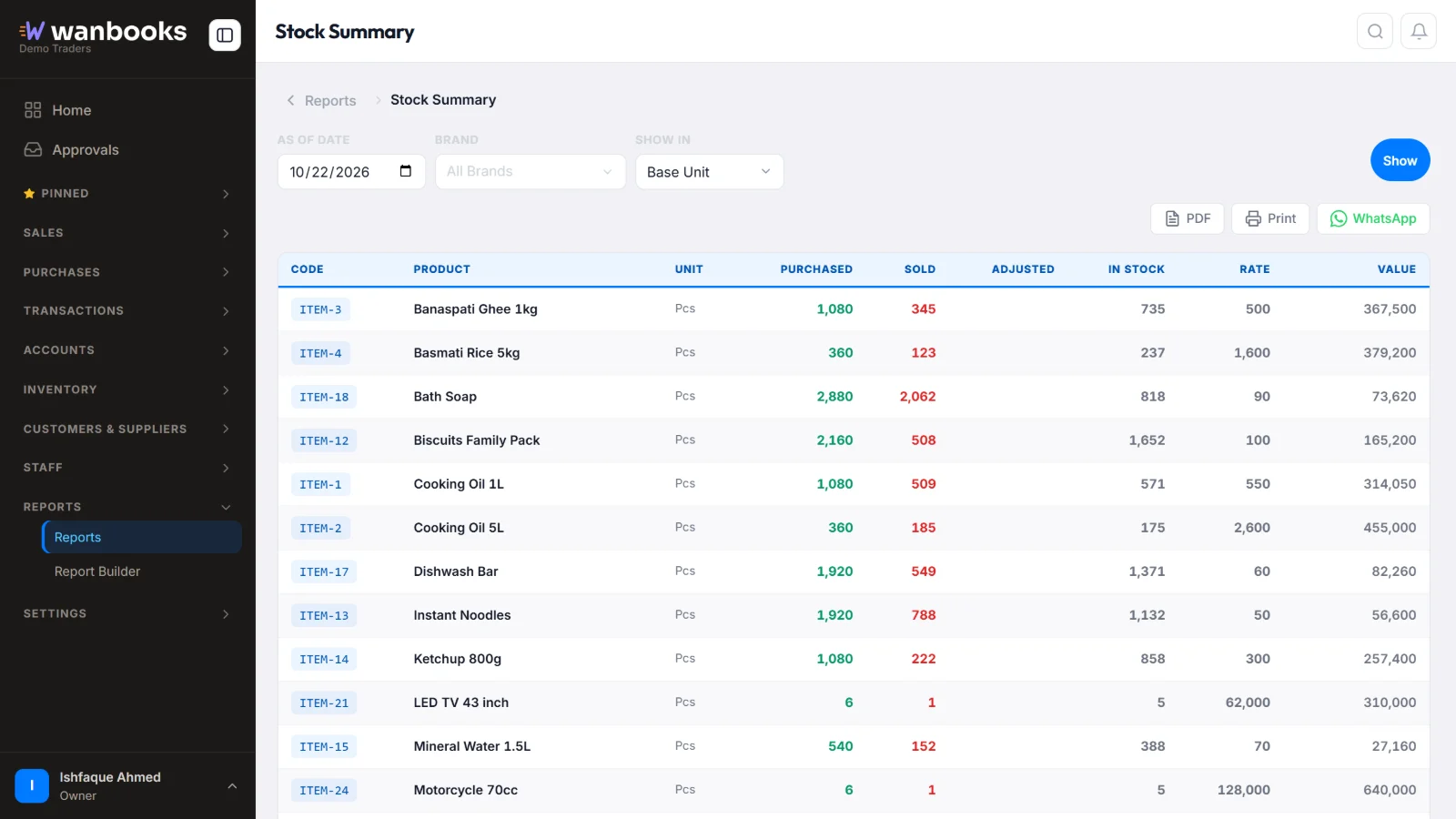
Purchased, sold and in stock for every item, and what it is all worth. Sample data from a demo company.
Stock you can trust
- PurchasesPurchase orders, purchase invoices and returns to suppliers. The supplier's balance and the stock update together.
- Multiple warehousesKeep stock in as many places as you need and move it between them with a stock transfer.
- Reorder levelsSet a reorder level for each item and see at a glance what is running low.
- Stock valueKnow what your stock is worth today. The value is the same in the stock report and the balance sheet.
- Units and packingsBuy in cartons and sell by the piece, or any other unit. Enter the rate for one packing; the piece rate is worked out.
- Opening stock and adjustmentsStart with your opening stock, and correct damaged, lost or found goods with a stock adjustment.
The details
Every item
- Stock ledger: every in and out
- Price groups for selling rates
- Import items from Excel
Control
- Negative stock report
- Stock ageing
Reports
- Stock summary with value
- Purchase register
- Purchases by product and supplier
About stock
Can I keep stock in more than one place?
Yes. Add as many warehouses as you need, move stock between them, and see stock for one warehouse or all of them.
Can I buy in cartons and sell in pieces?
Yes. Each item has a base unit and other units, such as a carton of 12. Enter the quantity in any unit and the stock is kept right.
How do I start with the stock I already have?
Enter it once as opening stock, or import your items from Excel. From then on every purchase and sale moves the stock for you.
See Wanbooks with your own products.
Leave your WhatsApp number.
We'll call or message you to set up a demo.
- +92 333 2392852