

Pay your people on time.
Pay your staff the right amount every month. Attendance, advances and deductions are worked into each salary, and every payment goes straight into the accounts.
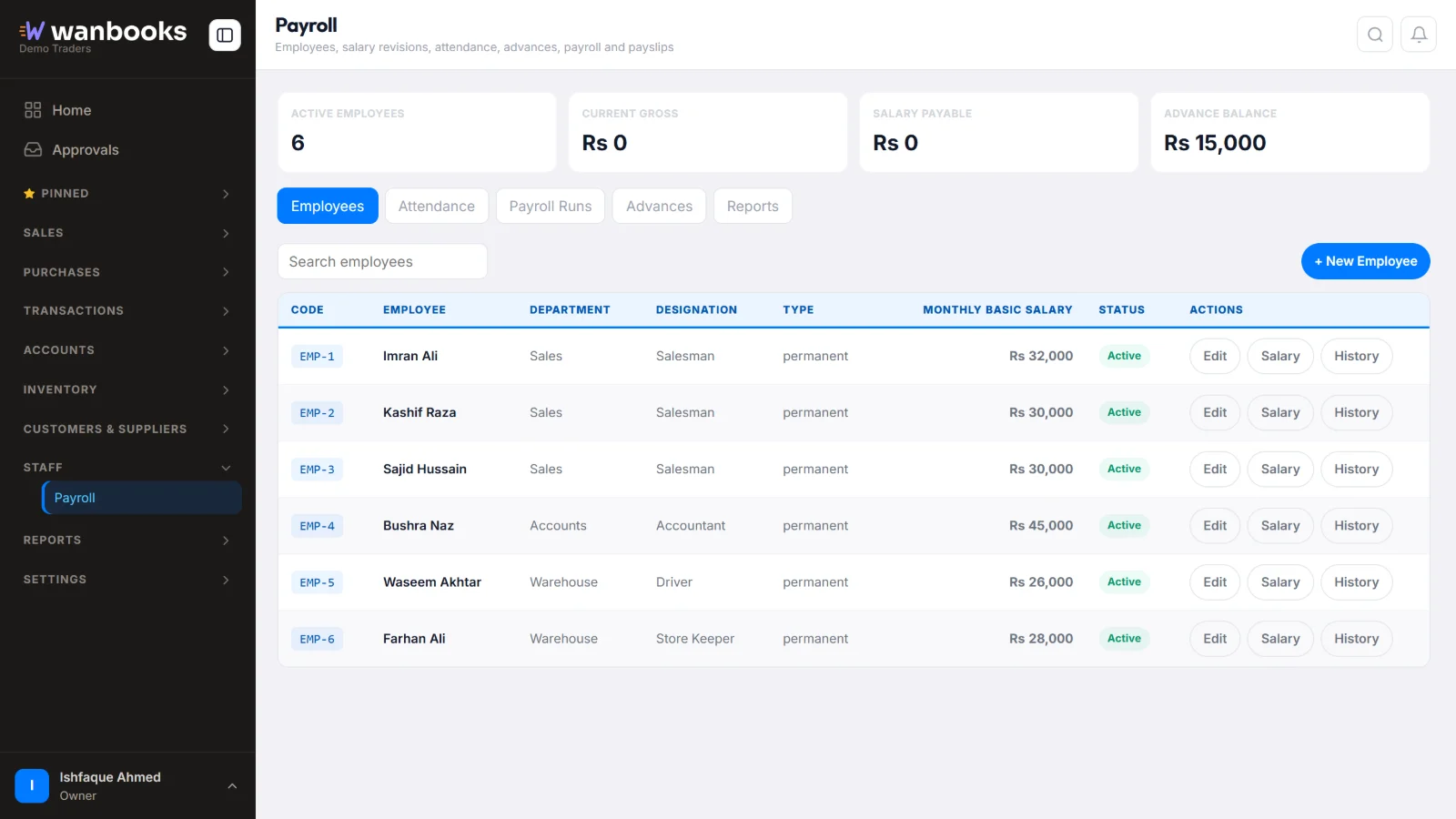
Every employee with department, designation and monthly salary. Sample data from a demo company.
Pay your team right
- Salary structuresSet each employee's basic pay, allowances and deductions once.
- AttendanceMark attendance and let it count in the month's salary.
- Advances and installmentsGive an advance and recover it in installments from later salaries.
- PayslipsA clear payslip for every employee, every month, ready to print or share.
- Pay by cash or bankPay salaries from cash or any bank account.
- Posted to accountsSalaries and advances post to the books by themselves, so profit and cash are always right.
The details
Employees
- Employee records
- Salesmen and office staff together
- Import from Excel
Each month
- Salary sheet for the month
- Advance balances
- Salary payments
Control
- Roles decide who sees salaries
- Posted payments never change silently
- Salary payments in the cash and bank books
About payroll
Can I give an employee an advance?
Yes. Record the advance and choose how many installments to recover it in. Each month's salary takes the installment off.
Do salaries show in the accounts?
Yes. Every salary and advance posts to the accounts by itself, so profit and loss and the cash book are always up to date.
Can staff see each other's salaries?
Only people whose role allows it. You decide what each user can see.
See Wanbooks with your own products.
Leave your WhatsApp number.
We'll call or message you to set up a demo.
- +92 333 2392852