

Quick bills at the counter.
Make a cash bill in seconds, print it on a thermal printer or send it on WhatsApp, and let the stock count itself. Regular customers can still buy on credit, with their balance always clear.
- Home
- Who it's for
- Shops and retailers
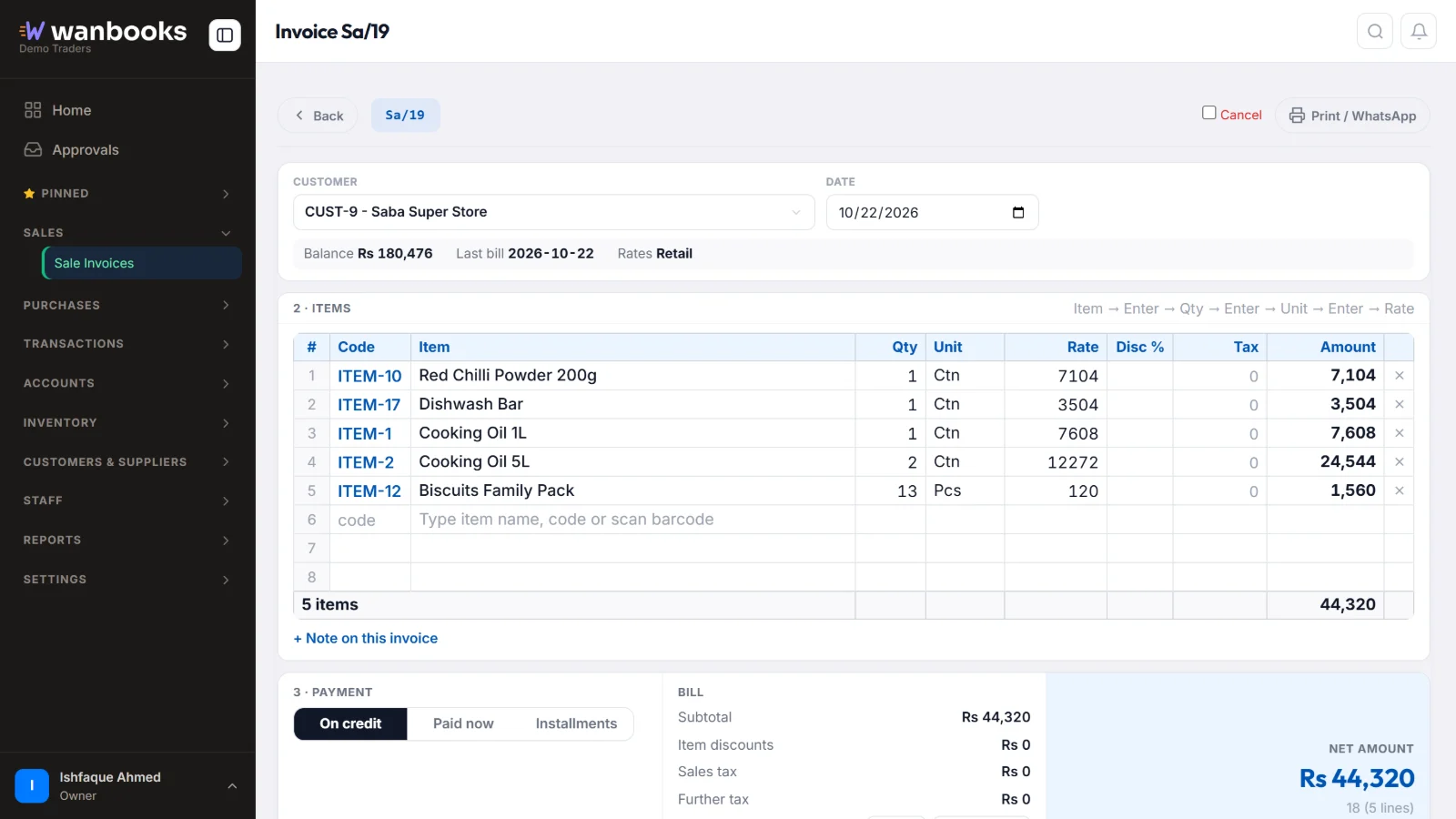
Sample data from a demo company.
A bill in Wanbooks
Type or scan the item, the quantity and unit, and the bill is ready.
| Walk-in customer | 22-Oct-2026 · 4:15 pm | |
| Cooking oil 1L | 2 pcs × 610 | 1,220 |
| Washing powder 1kg | 1 pc × 540 | 540 |
| Tea 190g | 3 pcs × 395 | 1,185 |
Paid in cashRs 2,945
What gets in the way
- Slow at the counterCustomers wait while bills are written or totals are added by hand.
- Running outYou only notice an item is finished when a customer asks for it.
- Profit unknownSales are good, but the real profit is only known at the end of the year.
Made for the way you work
Cash salesSell to walk-in customers without opening an account, and take the payment with the bill.
Barcode scanningScan items with the phone camera in Chrome on Android, or type the barcode.
Thermal receiptsPrint on a thermal receipt printer, A4 or A5, or send the bill as a PDF on WhatsApp.
Low-stock alertsSet a reorder level for each item and see what to buy before it runs out.
Daily profit and cashCash book and profit and loss, up to date with every sale.
Regular customers on creditGive credit to known customers and see their balance any time.
Asked by shops and retailers
Do I need special hardware?
No. Wanbooks works on any computer or phone with a browser. A thermal printer and a barcode scanner are optional.
Can I sell to customers without opening an account?
Yes. Use the built-in walk-in customer and tick "Paid now", and the receipt is made with the bill.
Can I see today's profit?
Yes. Every sale posts to the accounts by itself, so the cash book and profit and loss are always up to date.
Wanbooks also works for
DistributorsOrder booking, dispatch and bill-wise recovery for distributors, with an offline app for salesmen.
Wholesalers and tradersRates by customer, fast billing, credit control and stock for wholesalers and traders.
Installment businessesInstallment plans, due and late lists, late fees, reminders and guarantors for qist businesses.
See Wanbooks with your own products.
Leave your WhatsApp number.
We'll call or message you to set up a demo.
- +92 333 2392852